Workforce operations for dealerships
Run your dealership workforce across every rooftop.
Hire and onboard your team, manage time and payroll, and keep safety and employee changes moving. See what’s open and who owns the next step across every store.
Offered through CADA 360 Drive HR ↗Explore all platform capabilities ↓Three questions to bring to your demo
Follow each example from the moment someone raises it to the person responsible for moving it forward.
Health & safety
The inspection is complete. Is the repair?
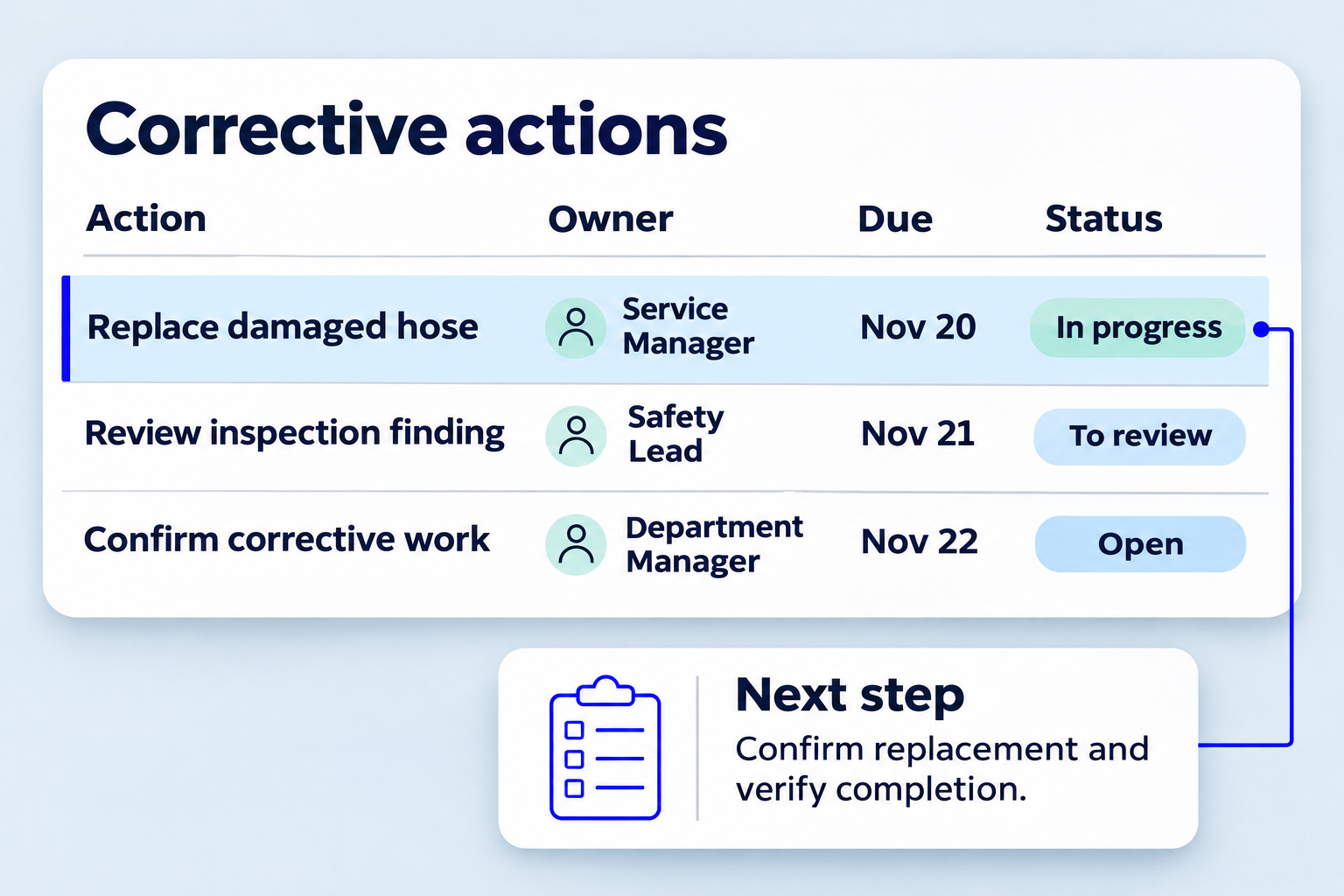
A service-bay inspection flags a damaged air hose. Assign the replacement to the service manager with a due date, then track the open action after the inspection is marked complete.
Ask us to show what the GM sees before the action is closed.
Explore Fixed Operations & Safety →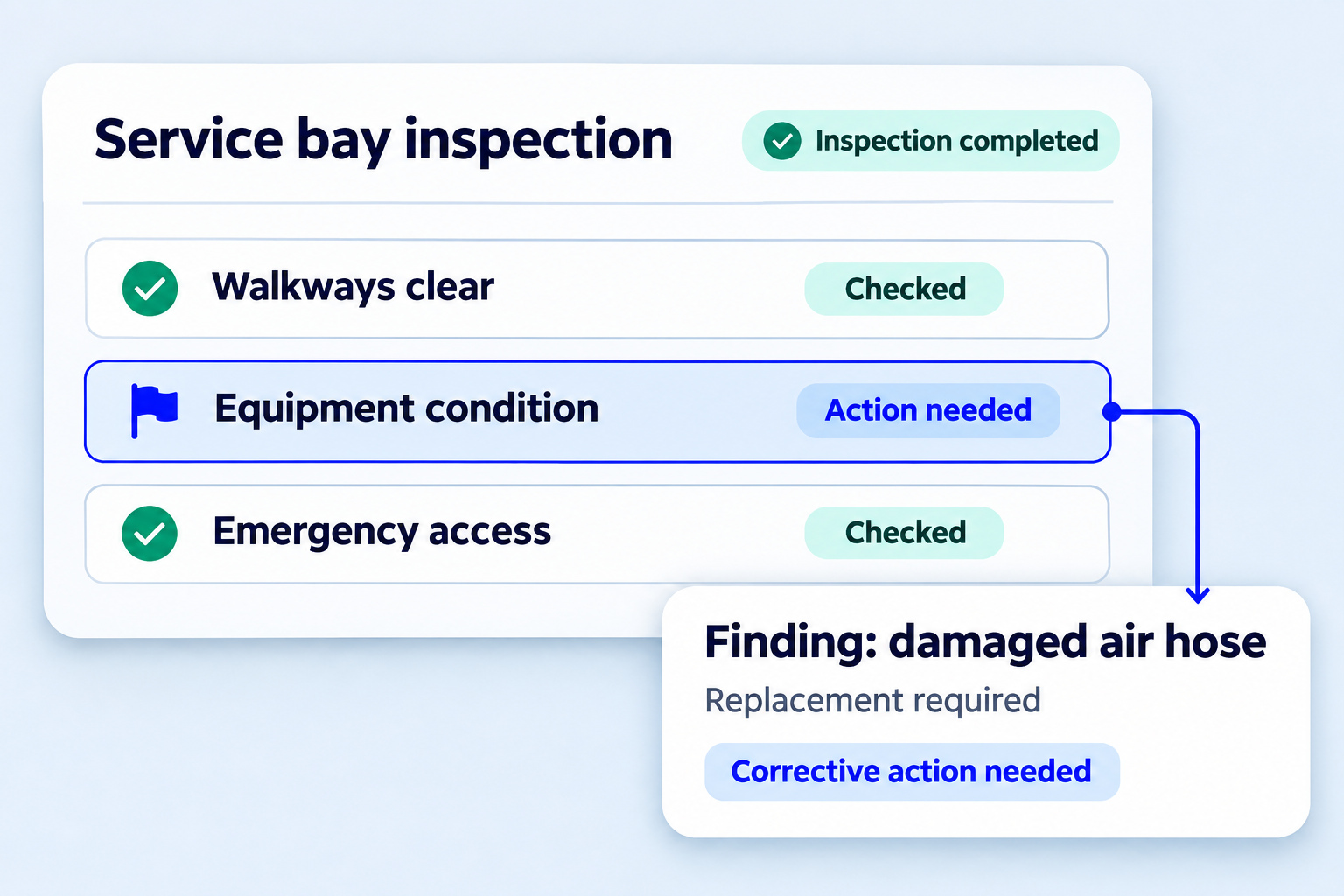
Forms, approvals & e-signatures
Who still needs to sign?
An employee moves from Sales to Service. Capture the change on a custom form, route it for review, collect the required signatures and see whose step is still open.
Ask us to show the signed record and the approval history.
Explore HR workflows →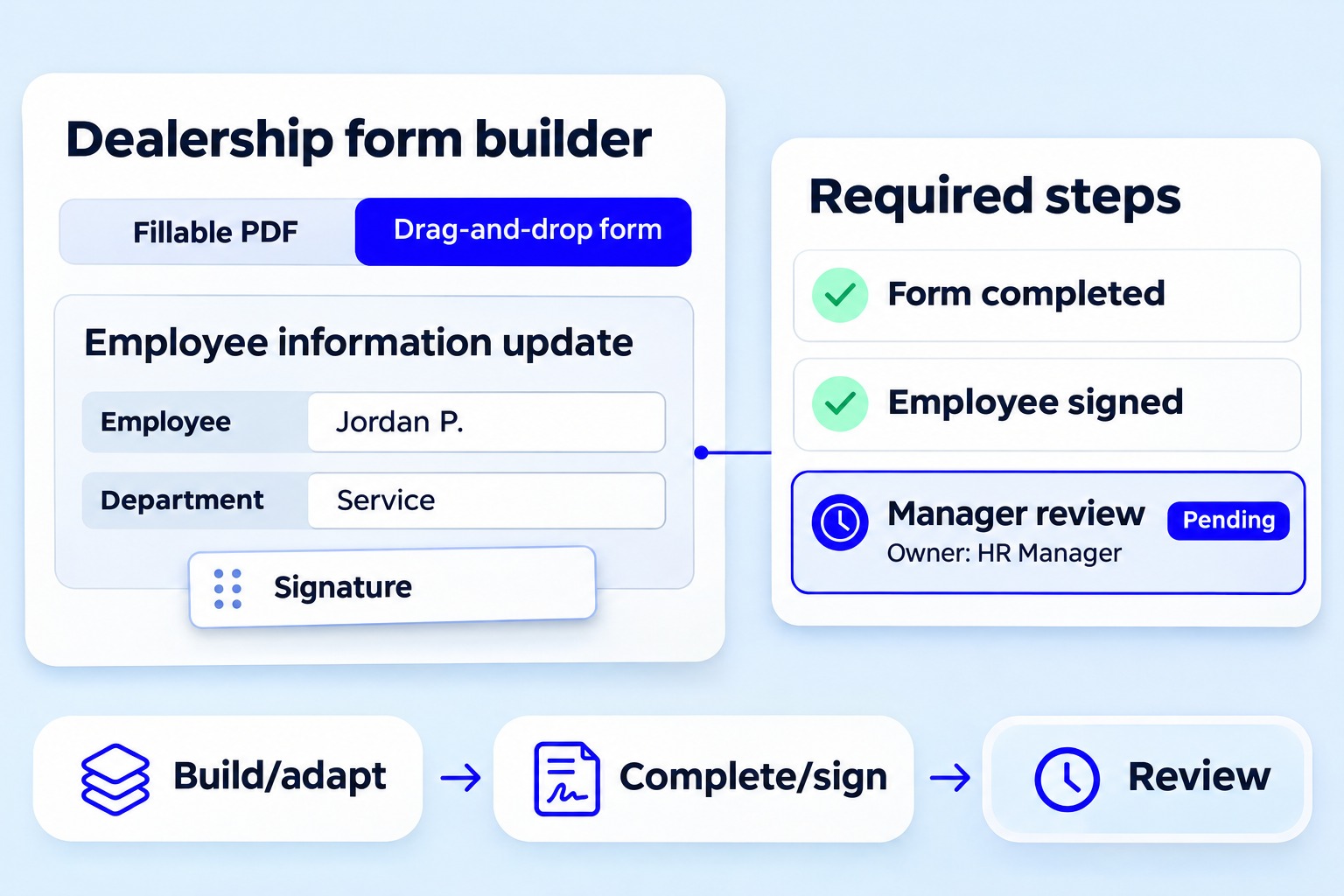
Time, scheduling & payroll
Will that missed punch make it to payroll?
A missed punch in Service goes back to the department manager for confirmation. Payroll reviews the corrected time and overtime before preparing approved hours for export.
Ask us to show what gets reviewed before the export.
Explore Controllers & Payroll →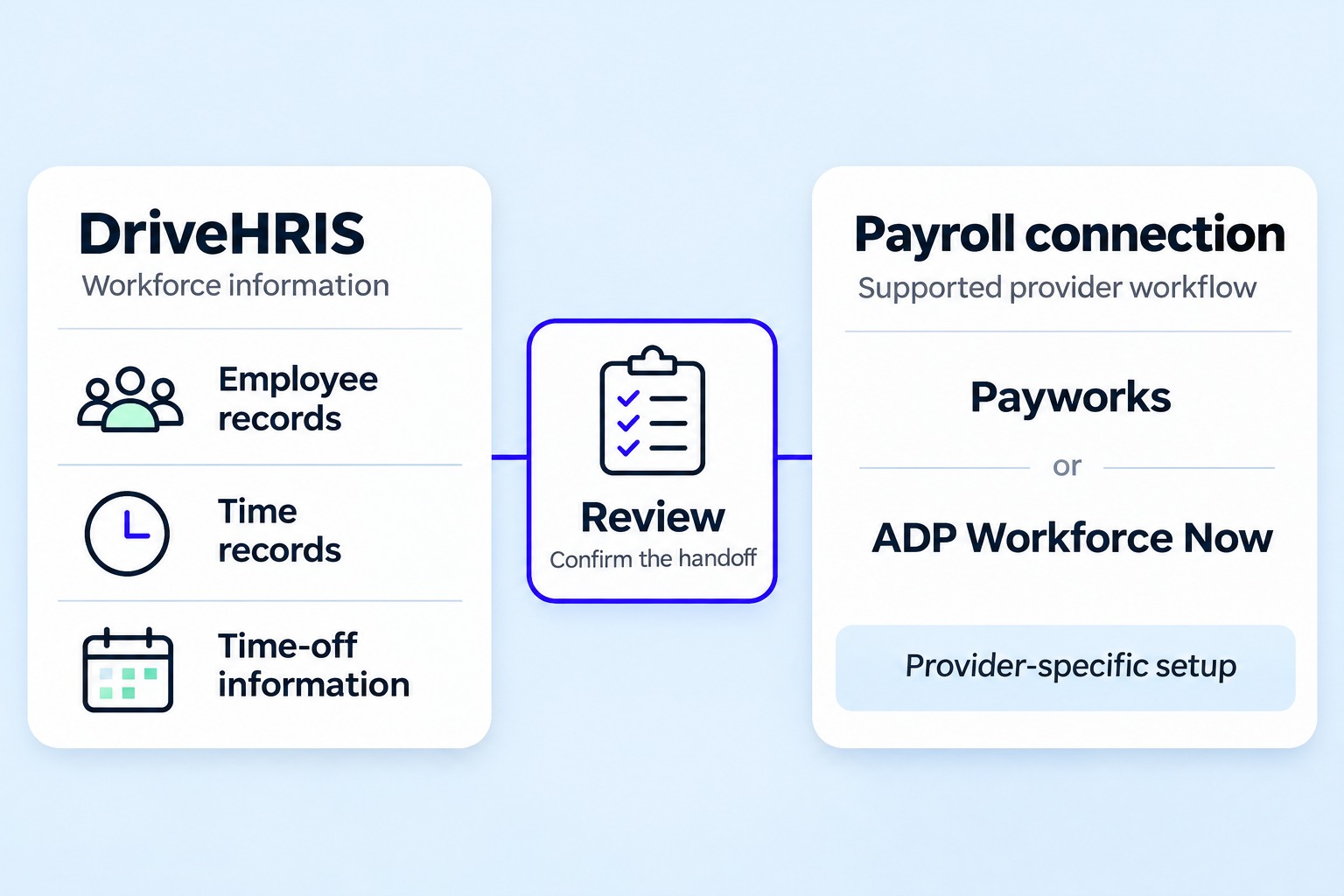
Built for work across the dealership
Mobile access
Keep work moving away from a desk
Give employees a way to clock in, submit requests and check updates from their phones. Managers can keep day-to-day work moving from the shop floor or between rooftops.

Multi-rooftop visibility
See where work is getting stuck
Spot open actions, expiring training and attendance exceptions by location. Give store leaders clear ownership while the group sees where follow-up is needed.
Explore Dealer Leadership →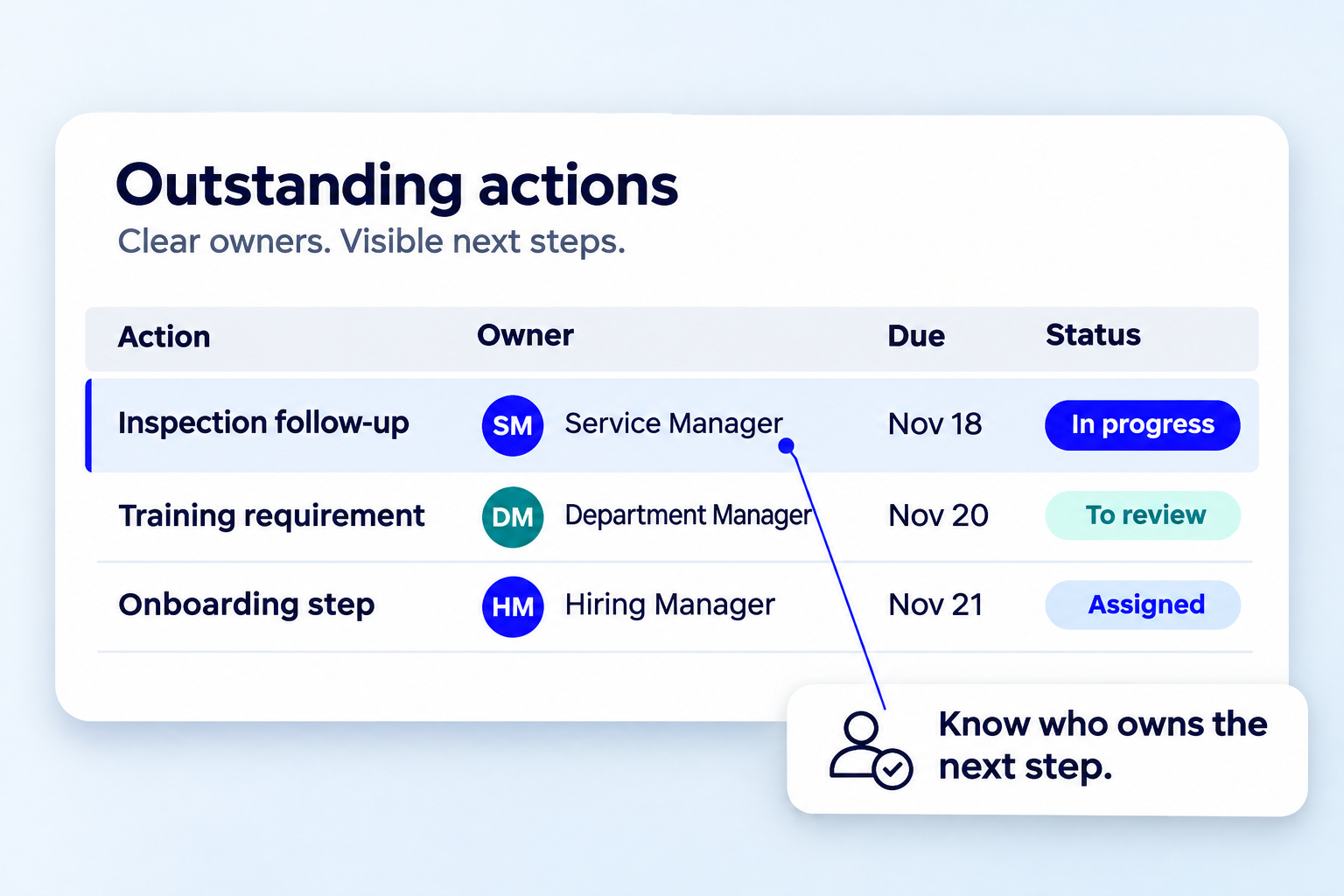
Implementation, training & advisory
Give your team people to call
Get hands-on implementation, training for managers and employees, practical HR advisory support, and ongoing help from your customer success team.
- ImplementationConfigure workflows for your stores.
- Training & advisoryHelp teams use those workflows day to day.
- Customer successGet ongoing help as your needs change.
Explore the DriveHRIS platform
Build your team
Hiring
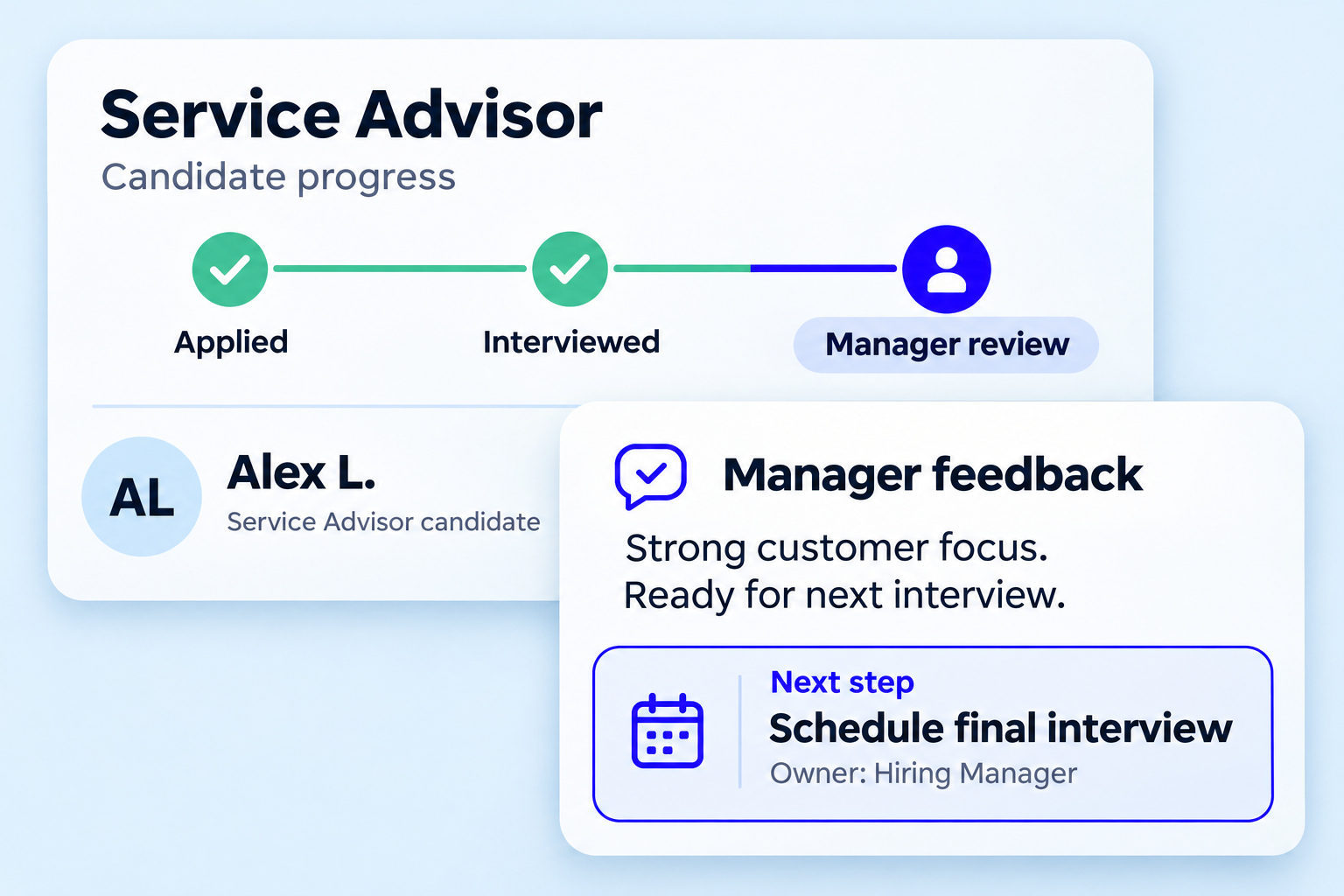
Track applicants by role and stage. Keep interview progress and manager feedback together.
Explore recruitment →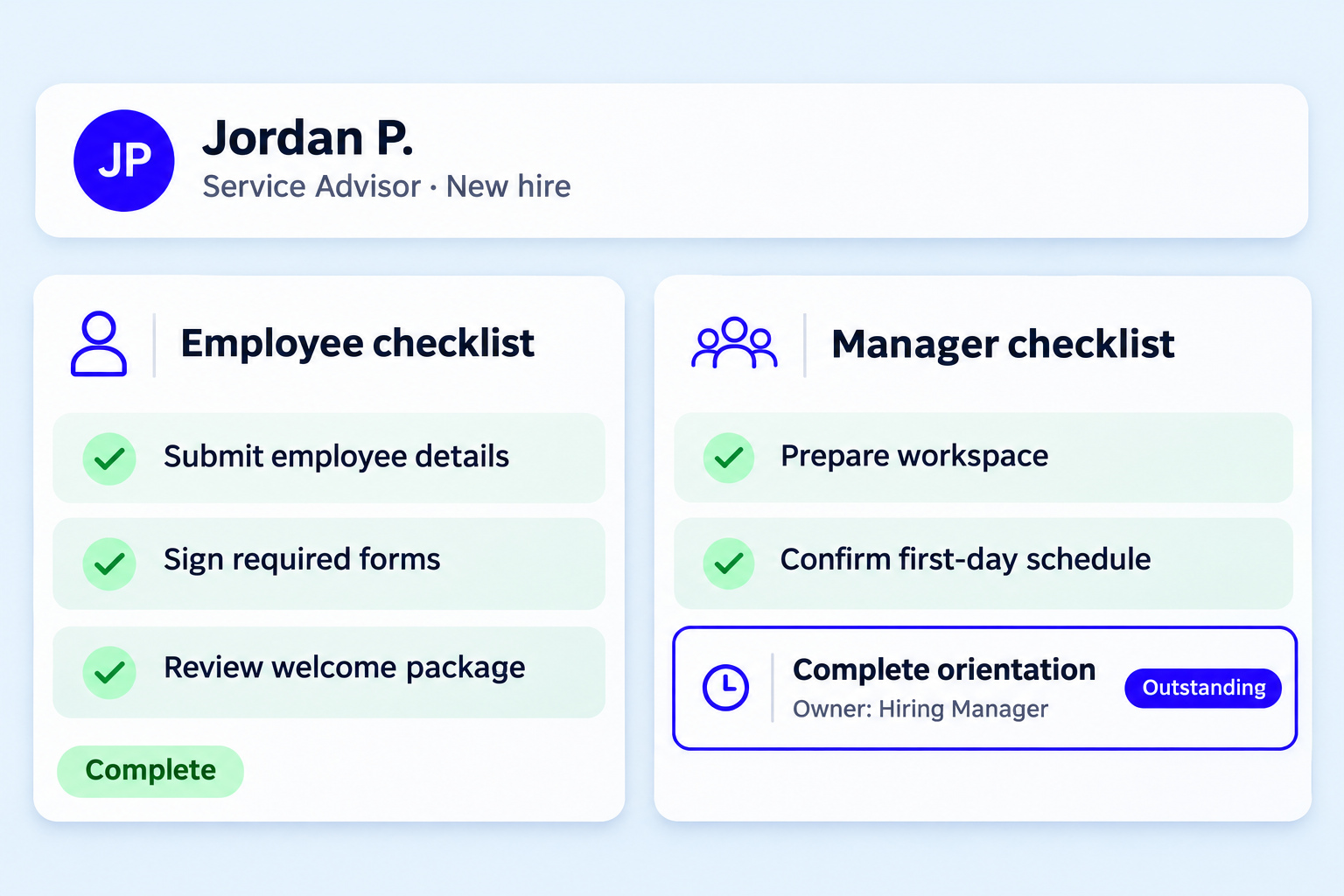
Onboarding
Collect new-hire information and signed forms in the onboarding portal. See what the employee and manager still need to complete.
Explore onboarding →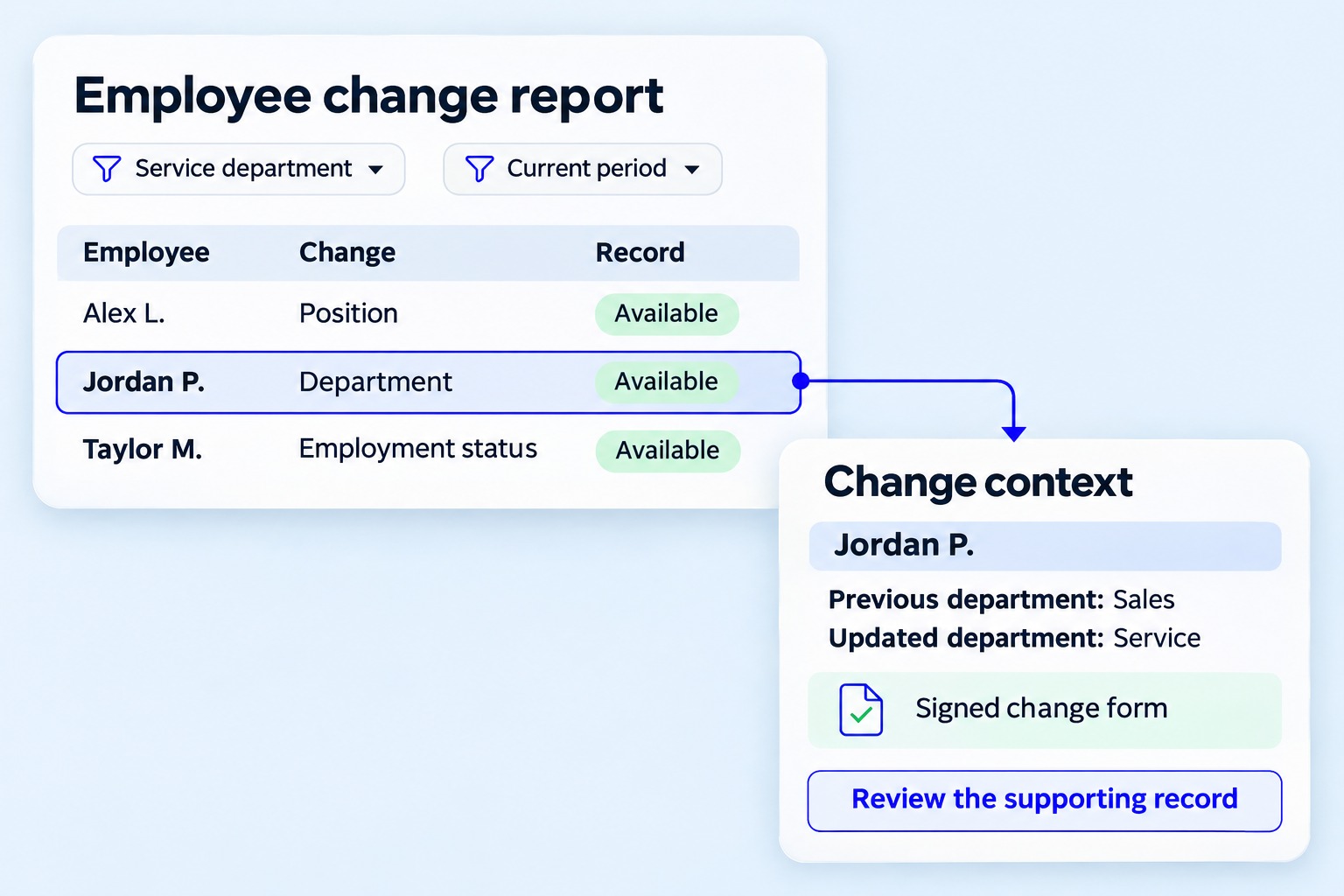
Employee records & offboarding
Keep employee documents, changes and acknowledgements in the e-file. Use the record to track what needs attention when someone leaves.
Explore employee records →Run the day-to-day
Health, safety & compliance
Manage inspections, incidents and hazards. Use the safety calendar to see upcoming requirements and keep corrective work visible.
Explore safety follow-through →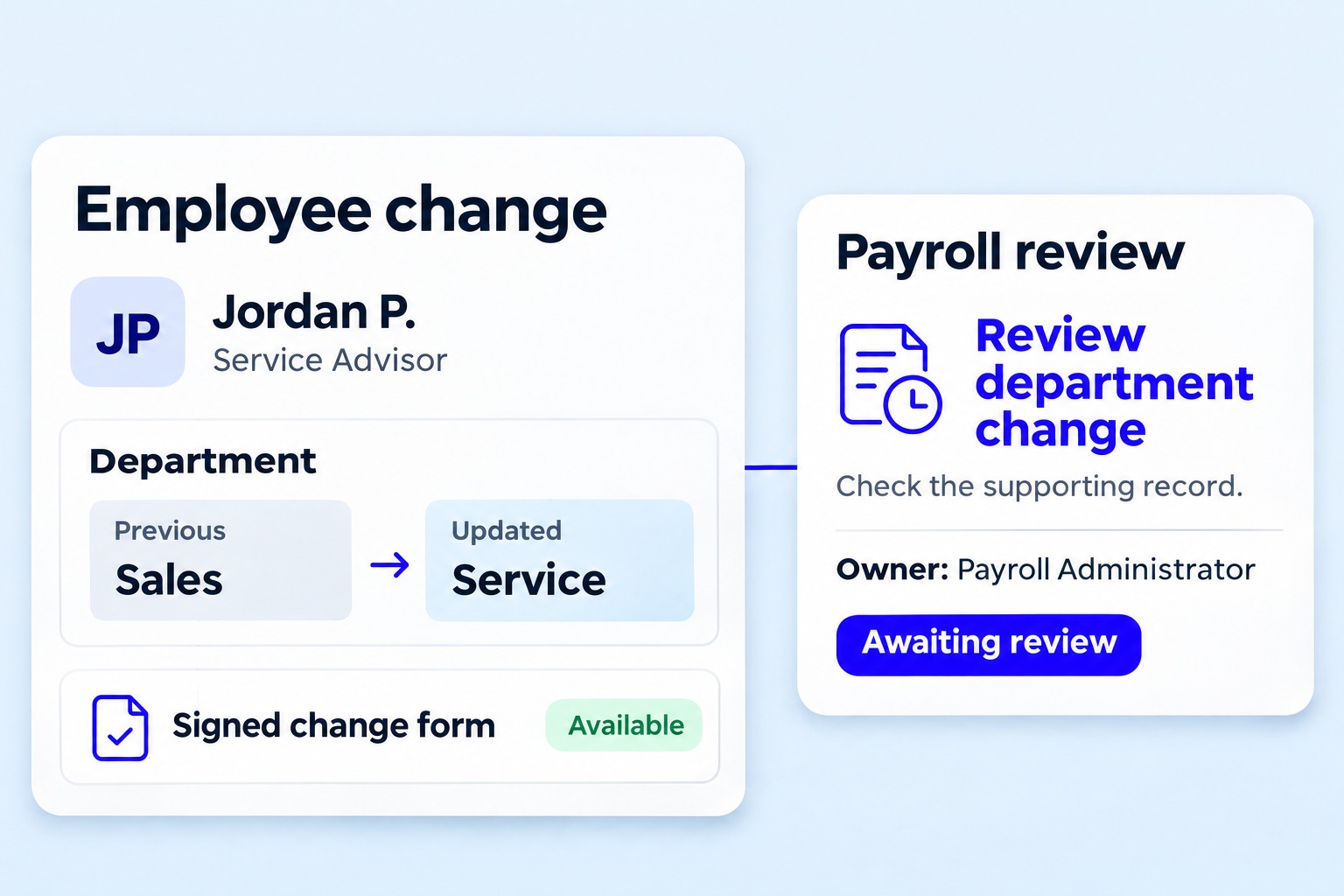
Workflows, forms & surveys
Use custom fillable forms, approval routing and multi-signer e-signatures. Gather employee feedback through surveys.
Explore HR workflows →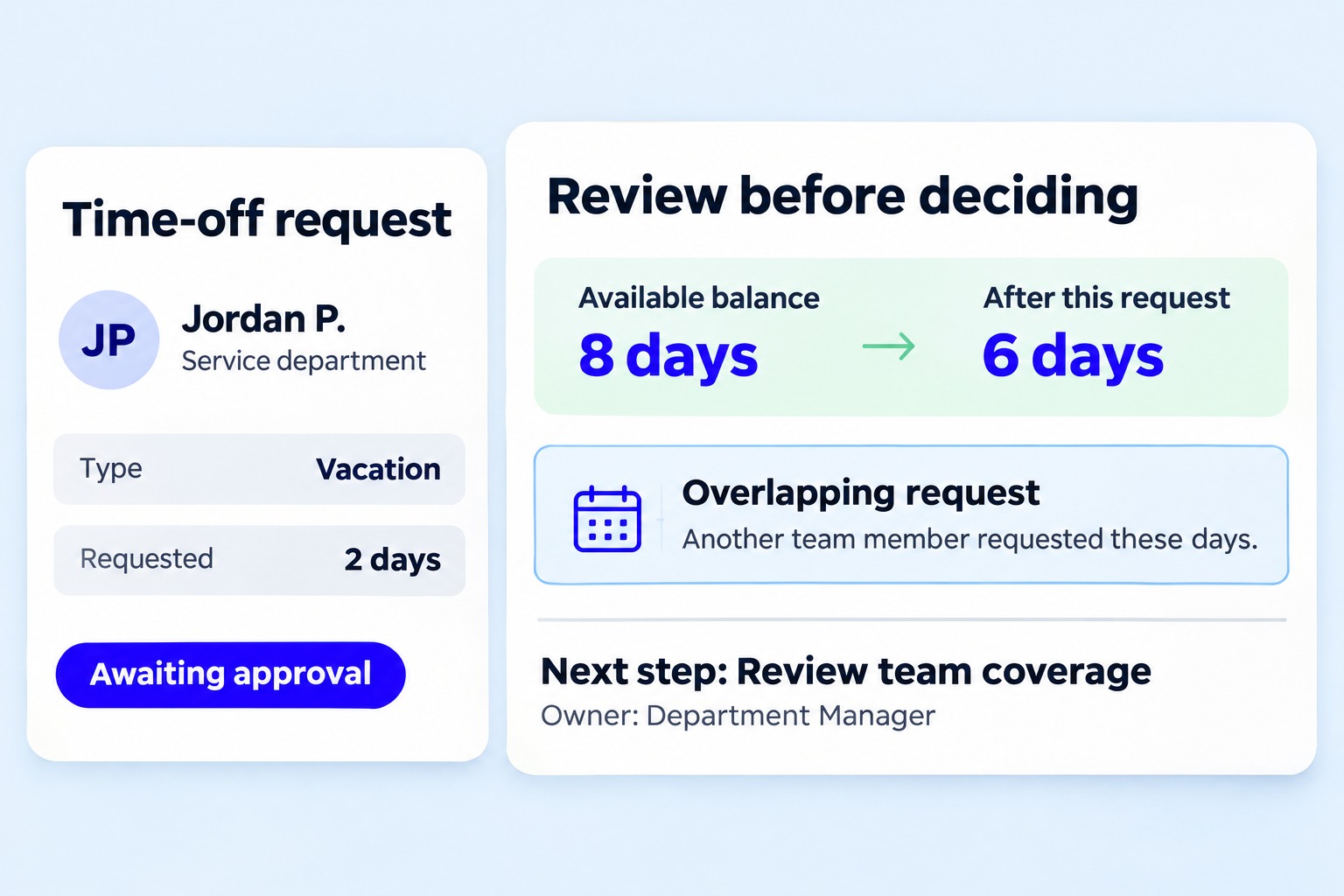
Time, scheduling & payroll
Review punches and overtime, manage schedules and forecast vacation balances. Configure carryover and proration, and prepare approved time for payroll export.
Explore payroll workflows →Develop your people and see where to act
Reporting & analytics
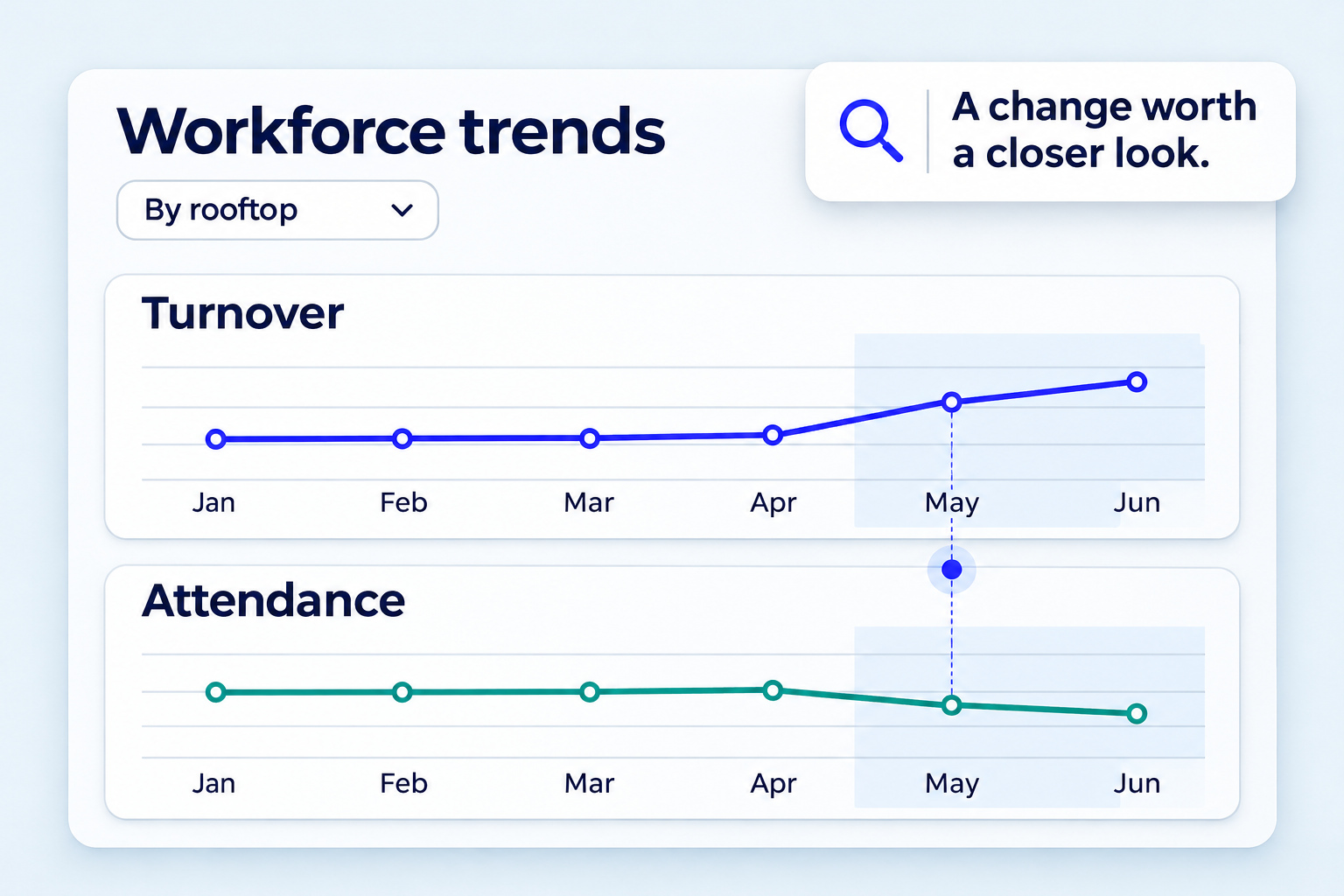
Review attendance, turnover, training and open actions across rooftops to see where managers need to follow up.
Explore reporting →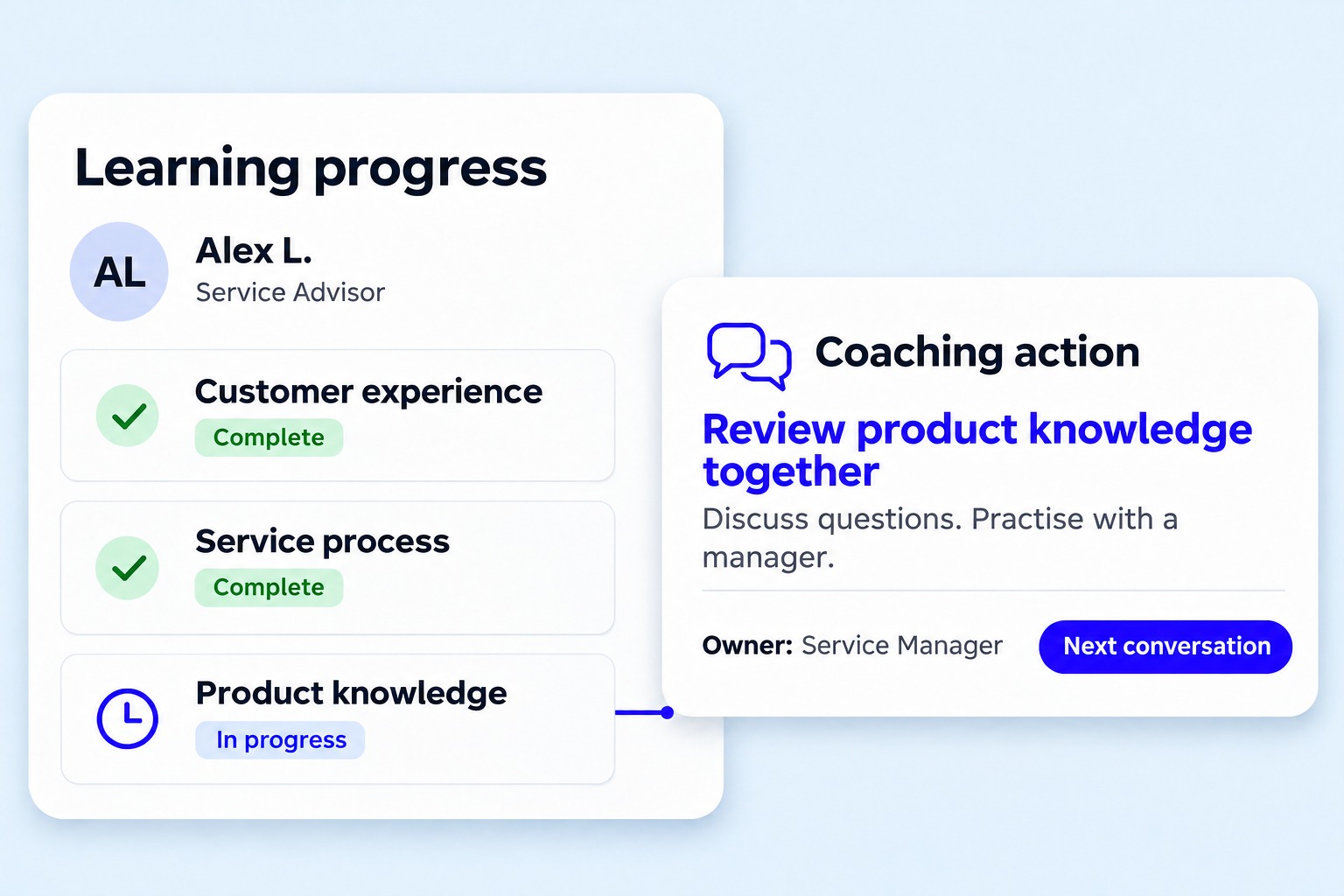
Learning & development
Assign training, monitor completion and use the next coaching conversation to follow up.
Explore training →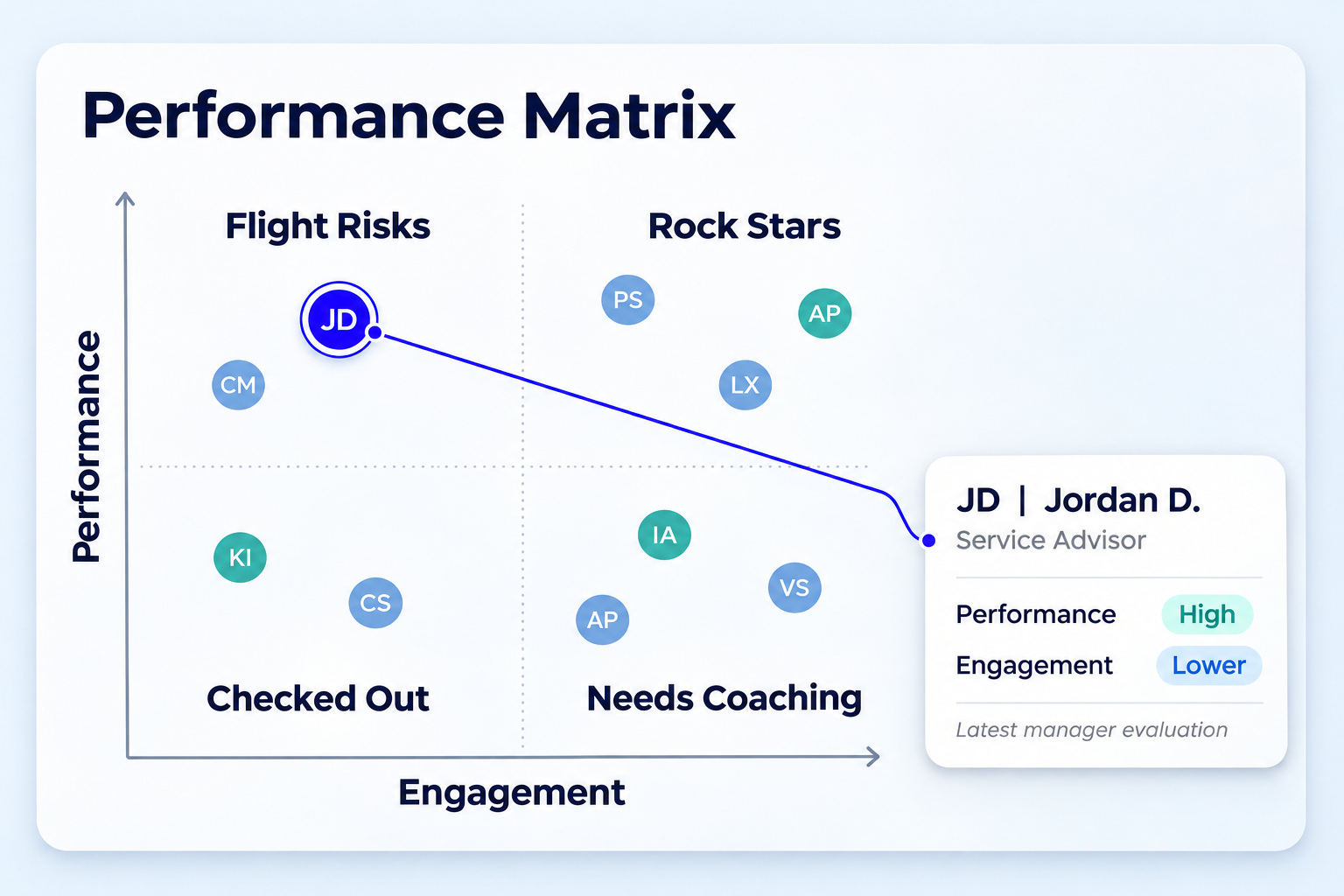
Performance
Use review templates and documented coaching actions so managers can follow up on commitments.
Explore performance →Culture & engagement
Share announcements, recognize employees and gather feedback through surveys.
Explore employee engagement →Bring us a workflow your team keeps chasing.
Bring one example from your store. We’ll walk through who submits it, who acts on it and how you can tell when it’s done.
Book a demo Explore by dealership role